

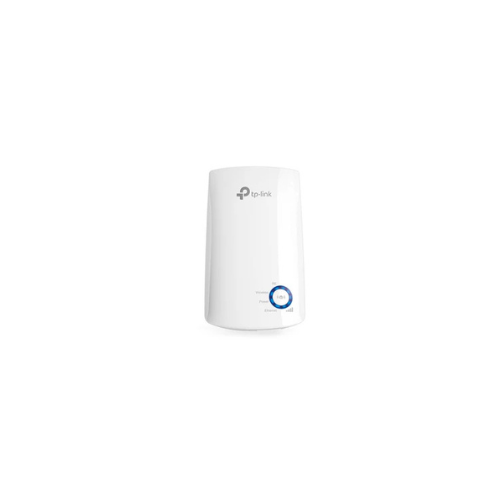
TP-Link TL-WA850RE Range Extender Review: Boost Your Wi-Fi Signal
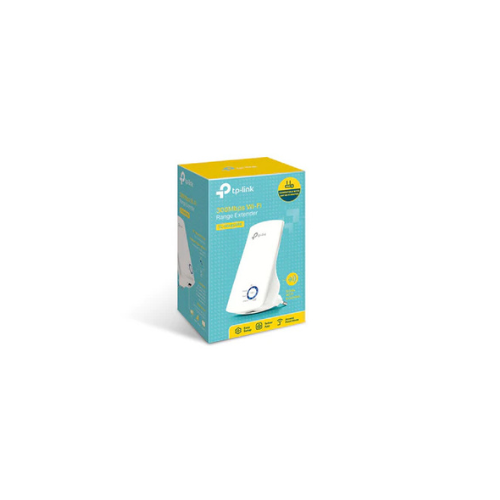
Are you tired of Wi-Fi dead zones, dropped connections, and endless buffering in your home or office? In today’s digital age, a weak internet connection can disrupt everything from remote work and online learning to casual video streaming and smart home device automation. The TP-Link TL-WA850RE 300Mbps Universal Wi-Fi Range Extender offers an incredibly affordable, reliable, and compact solution to expand your wireless network coverage and eliminate those frustrating dead spots for good.
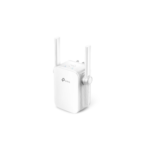
This wall-plug device functions by capturing the existing wireless signal directly from your main internet router and amplifying it further into rooms, basements, or hallways that previously suffered from poor or nonexistent connectivity. Whether you live in a multi-story house with thick walls that block signals or a sprawling apartment where the router cannot reach the furthest bedroom, this universal extender bridges the gap. It provides a stable data blanket across your living space without requiring you to run messy, expensive cables through your walls or upgrade to a costly mesh network system.
Key Features of the TP-Link TL-WA850RE
Understanding the core capabilities of this device helps you determine if it fits your home networking needs.
-
- 300Mbps Wireless N Speed: Ideal for everyday tasks like internet browsing, checking emails, and streaming standard definition video.
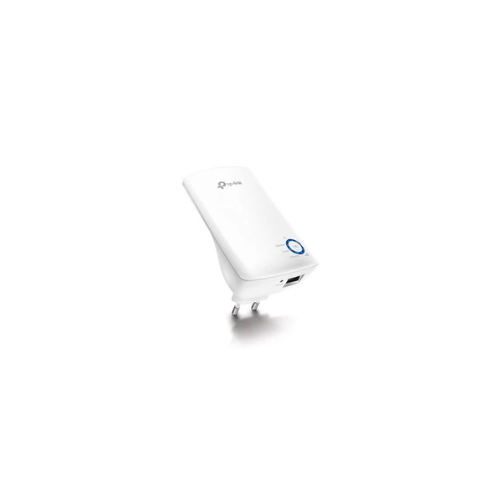
- Smart Signal Indicator Light: Five signal lights show the strength of the signal received from the existing router, making it easy to find the right location.
- Ethernet Bridge Mode: The single Ethernet port allows the device to function as a wireless adapter to connect wired devices like blue ray players, gaming consoles, and smart TVs.
- Tether App Compatibility: Simple setup and management using any Android or iOS mobile device.
- Compact Wall Plug Design: Easy to deploy and move flexibly, blending seamlessly into any home decor.
Technical Specifications
Review the technical details to ensure compatibility with your existing wireless router.
-
- Wireless Standards: IEEE 802.11n, IEEE 802.11g, IEEE 802.11b
- Frequency: 2.4 GHz single band
- Signal Rate: Up to 300Mbps
- Ports: 1 Fast Ethernet Port 10 100Mbps
- Power Consumption: About 3 Watts
- Antennas: 2 Internal antennas
- Wireless Security: WPA PSK and WPA2 PSK encryption
How to Set Up Your TP-Link Wi-Fi Extender
Setting up the device takes only a few minutes. You can choose between two simple methods.
Method 1: Using the WPS Button
-
- Plug the extender into an electrical outlet near your main router.
- Press the WPS button on your main internet router.
- Within two minutes, press the WPS button on the range extender.
- Wait for the signal light to turn solid blue, indicating a successful connection.
- Move the device to an optimal location halfway between your router and the dead zone.
Method 2: Using the Tether App
- Download the official TP Link management app on your smartphone.
- Plug in the extender and open the app.
- Follow the on screen instructions to select your home network and enter your password.




































Tamati Kraido –
I’m happy with my purchase. The WiFi range extender was at a fair price and the delivery and payment was smooth. Everything happened online.
Highly recommend Vivahtech.
STEVE –
Appreciated Mr TAMATI.