

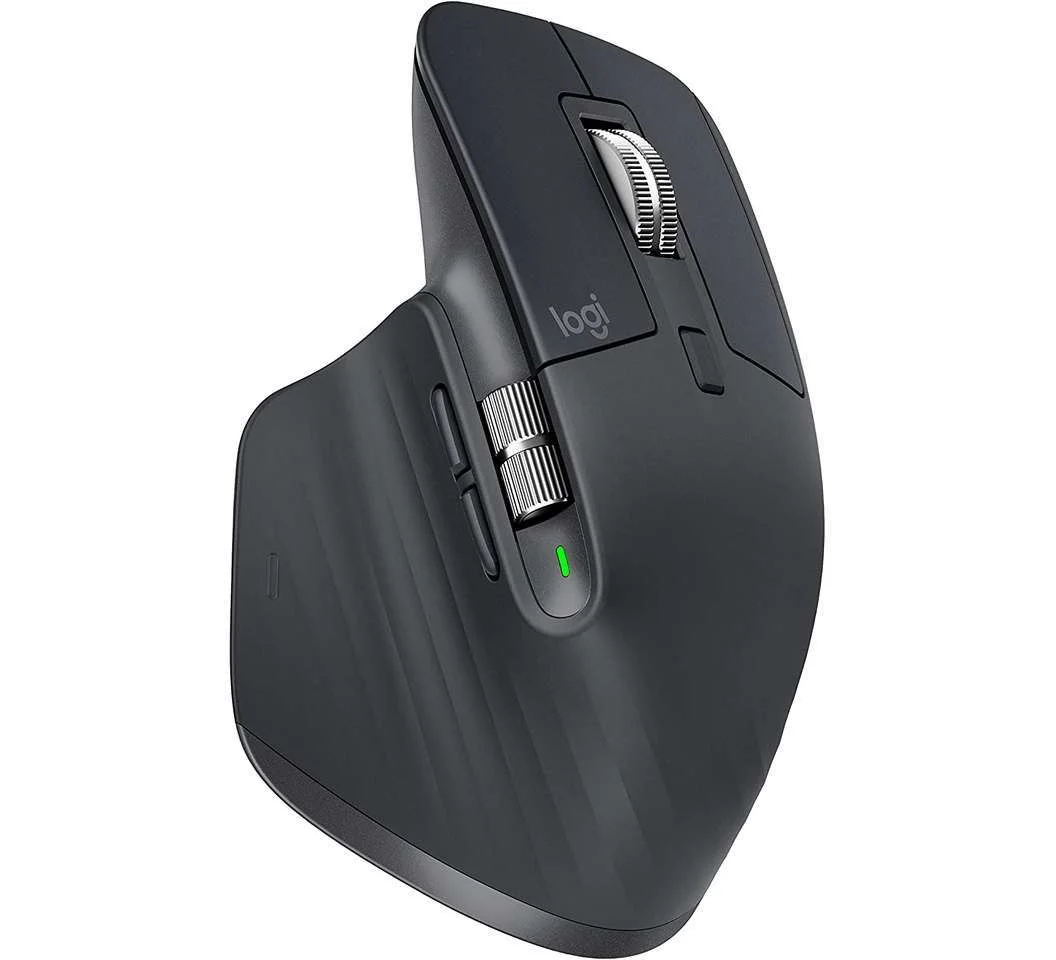
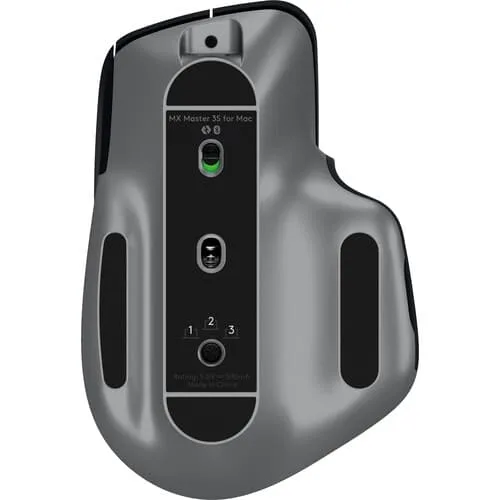
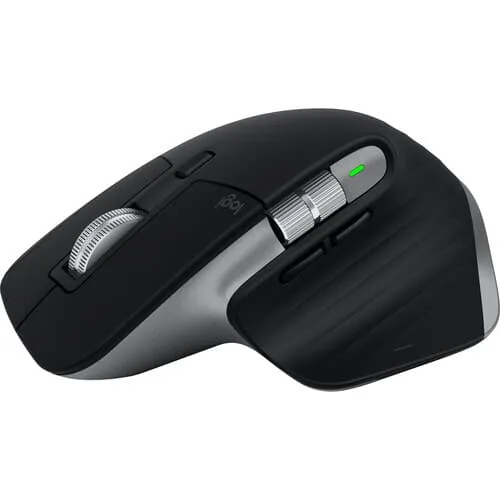
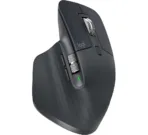
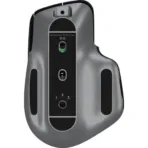
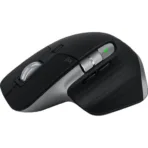
Logitech MX Master 3S Mouse Wireless with Hyper-fast Scroll
Key Features
Brand: Logitech
Bluetooth Low Energy Wireless Connection
Logi Bolt Usb Receiver (Included)
Multi Os Compatibility
Easy Switch
1 Year Warranty
Ultimate Guide to Logitech MX Anywhere 3S Compact Performance Wireless Mouse
The Logitech MX Anywhere 3S is a premium, pocket-sized wireless mouse engineered for ultimate portability, speed, and precision. Upgraded with an 8K DPI optical sensor and ultra-quiet tactile switches, this compact performance mouse tracks flawlessly on any surface, including glass. It offers a high-utility navigation solution for mobile professionals, creators, and remote workers who need to maintain an efficient workflow while traveling or working in tight spaces
Key Features and Specifications
This compact mouse packs advanced tracking optics, dynamic scrolling, and cross-computer controls into an ergonomic frame.
-
- 8K DPI Any-Surface Tracking: Features a high-precision optical sensor that tracks accurately on challenging surfaces, including gloss and glass.
- MagSpeed Electromagnetic Scrolling: Scrolls up to 1000 lines per second and shifts automatically between smooth free-spinning and precise ratchet modes
- Quiet Click Technology: Uses silent-tactile switches to deliver a satisfying click feel while reducing overall clicking noise by 80 percent.
- Logi Options+ Customization: Allows users to rebind buttons, create app-specific profiles, and configure macro shortcuts.
- Logitech Flow Enabled: Controls multiple computers simultaneously, allowing you to move your cursor and copy-paste text or files across separate screens.
- Dual Wireless Connectivity: Pairs via low-energy Bluetooth or the Logi Bolt USB receiver across multiple platforms.
- Rapid USB-C Recharging: Stays powered for up to 70 days on a single full charge, or gains 3 hours of use from a quick 1-minute plug-in.
- Multi-Device Pairing: Connects with up to three distinct devices at once, switching between them at the press of a dedicated button.
Advanced Surface Freedom and Silent Mechanics
The MX Anywhere 3S solves the problem of unreliable tracking on unconventional workspaces like airport lounges, café tables, or hotel glass desks. Standard travel mice require a mousepad or experience cursor stuttering on glossy materials.
This model features an upgraded 8000 DPI sensor that reads micro-textures effortlessly, ensuring smooth cursor movement anywhere. Noise reduction is managed via Quiet Click switches, which isolate mechanical vibrations to suppress sharp clicking sounds. This lets you work productively in quiet libraries, boardrooms, or airplanes without distracting people nearby.
Dynamic Scrolling and Cross-Device Workflow
The hardware includes specialized productivity mechanics designed to streamline navigation through large files.
-
- SmartShift Scrolling: Analyzes your finger pressure dynamically, shifting instantly from a precise line-by-line clicky feel to a frictionless, hyper-fast spin for massive spreadsheets or long webpages.
- Logitech Flow Integration: Links your workspace across separate Windows and macOS systems, allowing you to drag your cursor to the edge of one screen to hop over to an adjacent computer tray.
Quick Pairing and Configuration Steps
Getting your performance mouse connected to your workspace takes only a few seconds.
Bluetooth Wireless Pairing
-
- Turn on the mouse using the slider switch on the base panel of the device.
- Press the Easy-Switch button on the bottom to select an open device profile slot.
- Hold the button down for three seconds until the status LED flashes rapidly, indicating pairing mode is active.
- Open your computer’s Bluetooth menu, search for new peripherals, and select the MX Anywhere 3S to link.
Software Customization
-
- Download the free Logi Options+ software from the official Logitech website onto your computer.
- Open the application to view the interactive layout map of your connected mouse buttons.
- Assign custom macro sequences or load pre-built shortcuts tailored for software like Microsoft Excel, Adobe Photoshop, or Zoom.
Frequently Asked Questions
Does the Logitech MX Anywhere 3S include a Logi Bolt USB receiver in the box?
No, the retail package includes a USB-C charging cable and the mouse, relying primarily on universal low-energy Bluetooth connectivity. If your workstation requires an isolated wireless adapter, the device is fully compatible with Logi Bolt USB receivers sold separately.
Can I use this mouse while it is plugged in and charging?
Yes, the USB-C port is located on the front of the mouse chassis. This positioning allows you to connect the charging cable to your computer and continue working normally while the internal battery replenishes its power reserves.
What is the advantage of MagSpeed scrolling over standard scroll wheels?
Standard scroll wheels rely on physical mechanical gears that wear down, make noise, and limit scrolling speed. MagSpeed uses controlled electromagnetic pulses to lock or release the wheel instantly, providing silent operation and incredible speed without mechanical wear Is the MX Anywhere 3S compatible with iPads and Android tablets?
Yes, the mouse features broad multi-OS compatibility. It pairs smoothly over Bluetooth with iPadOS, Android, ChromeOS, and Linux systems alongside standard Windows and macOS configurations, offering premium tracking across mobile screens.




































Reviews
There are no reviews yet.