
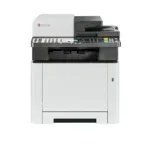
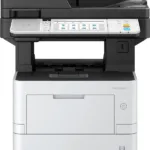

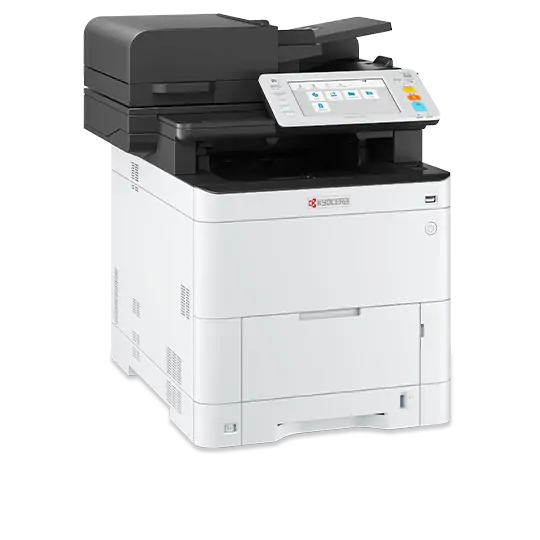
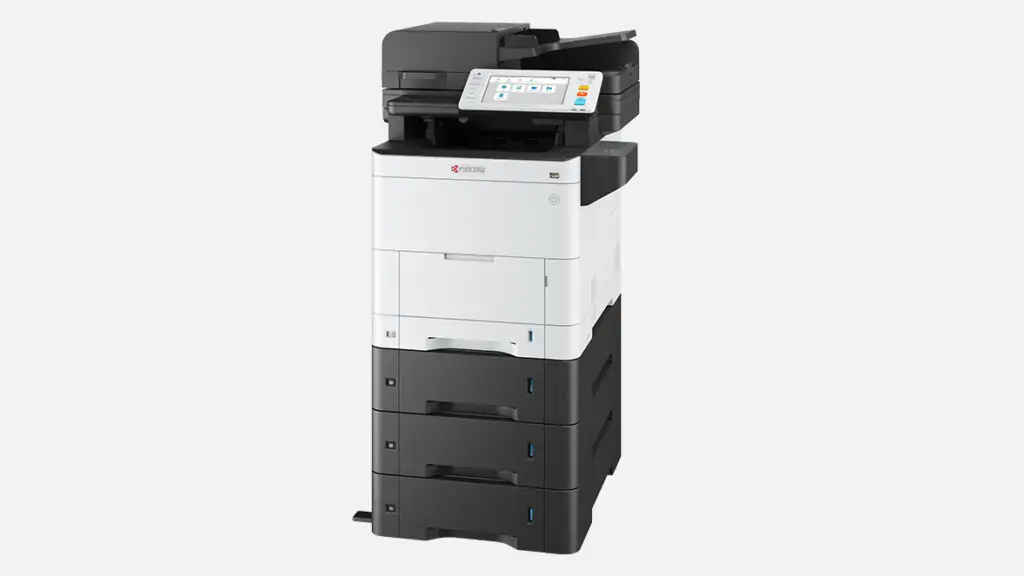
Kyocera Ecosys MA4000cix Printer
Key Features
Brand: Kyocera
Double-sided print, copy, and scan.
Data overwrite and encryption
HyPAS solution platform enables powerful customizations.
Strengthen affinity with Microsoft Universal Print.
Engine Speed: 40 ppm
1 Year Warranty
Kyocera Ecosys MA4000cix Printer Comprehensive Guide
Review the operational capabilities of the Kyocera Ecosys MA4000cix Printer for professional workgroups. Learn how this color laser multifunction printer optimizes document workflows, print speeds, and data security without high running costs.
Introducing the Kyocera Ecosys MA4000cix Printer
The Kyocera Ecosys MA4000cix Printer is an on-premise desktop multifunction device engineered for small to medium-sized corporate workgroups. This compact physical hardware unifies high-speed color printing, digital scanning, copying, and faxing into a centralized office network infrastructure. It eliminates the need for multiple separate desktop devices, saving valuable physical space and lowering overall energy consumption.
Built upon durable ceramic imaging components, the unit handles heavy daily print cycles while acting as a reliable document processing hub. Organizations choose this model to maintain cost-effective operations through long-life consumables that minimize routine maintenance downtime.
The Ecosys Sustainable Advantage
The Ecosys branding designates this device as part of the sustainable product lineup. Unlike standard color laser printers that require complete cartridge replacements containing the drum and developer units, this appliance isolates the toner container. The long-life drum remains inside the printer for hundreds of thousands of pages, drastically reducing physical plastic waste and lowering the total cost of ownership.
Technical Specifications and System Capacities
Hardware Performance and Speed
- Printing and Copying Speed: Delivers up to 40 pages per minute in full vivid color and sharp black text.
- First Print Out Time: Produces a completed black and white document page in less than 5.5 seconds from ready mode.
- Document Processor Capacity: Outfitted with a 100-sheet dual-scan document processor that captures both sides of a page in a single pass.
- High Definition Resolution: Outputs sharp text and crisp marketing graphics using 1200 by 1200 dots per inch laser engine technology.
- Monthly Workload Duty Cycle: Engineered to manage a maximum peak volume of up to 100000 pages per month for demanding office tasks.
Paper Handling and Storage
- Standard Input Trays: Equipped with a 250-sheet lower paper cassette and a 100-sheet multi-purpose bypass tray for heavy media.
- Maximum Paper Expansion: Supports optional additional paper cassettes to boost total storage capacity up to 2000 sheets.
- Media Weight Flexibility: Processes diverse media types including heavy cardstock, labels, envelopes, and custom banners smoothly.
- Automated Duplex Unit: Includes built-in hardware mechanisms that flip pages automatically to ensure zero-waste double-sided printing.
Network Architecture and Security
Professional Processing and Software Integration
The physical appliance operates on an advanced internal processing core paired with 2 gigabytes of random access memory. The external network infrastructure connects through standard high-speed USB 2.0 data links and a Gigabit Ethernet interface port for fast network data routing.
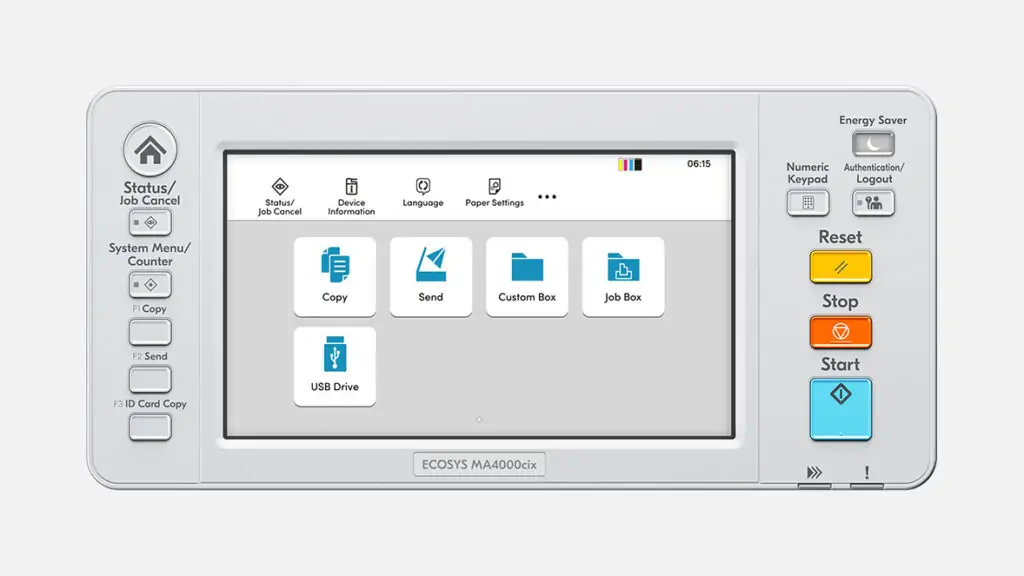
The software includes a customizable 7-inch color touchscreen control panel that simplifies user workflow choices. It runs the open HyPAS software platform, allowing managers to install corporate document solutions directly onto the hardware interface.
Advanced Data Protection and Mobile Connectivity
To protect confidential corporate records, the system implements data encryption and secure overwrite technologies on the internal storage drive. It features active network user authentication, secure print release codes, and IPsec communication protocol support.
Offsite employees execute remote print jobs easily by using mobile applications like Apple AirPrint, Mopria Print Service, and the Kyocera Mobile Print app. Mobile traffic passes safely through enterprise wireless setups, allowing users to scan files directly to email folders or local network storage directories without desktop computers.




































Reviews
There are no reviews yet.