

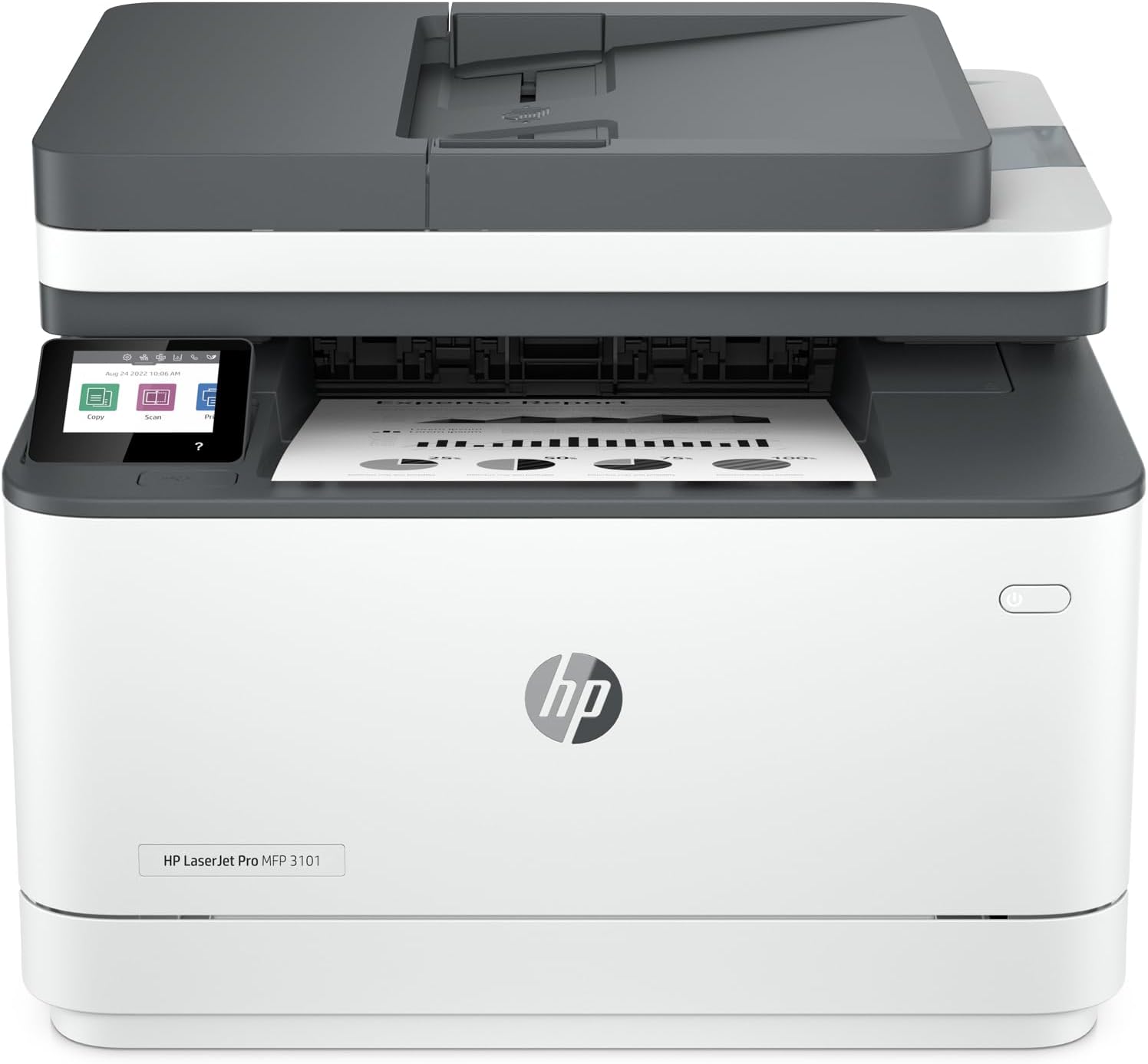
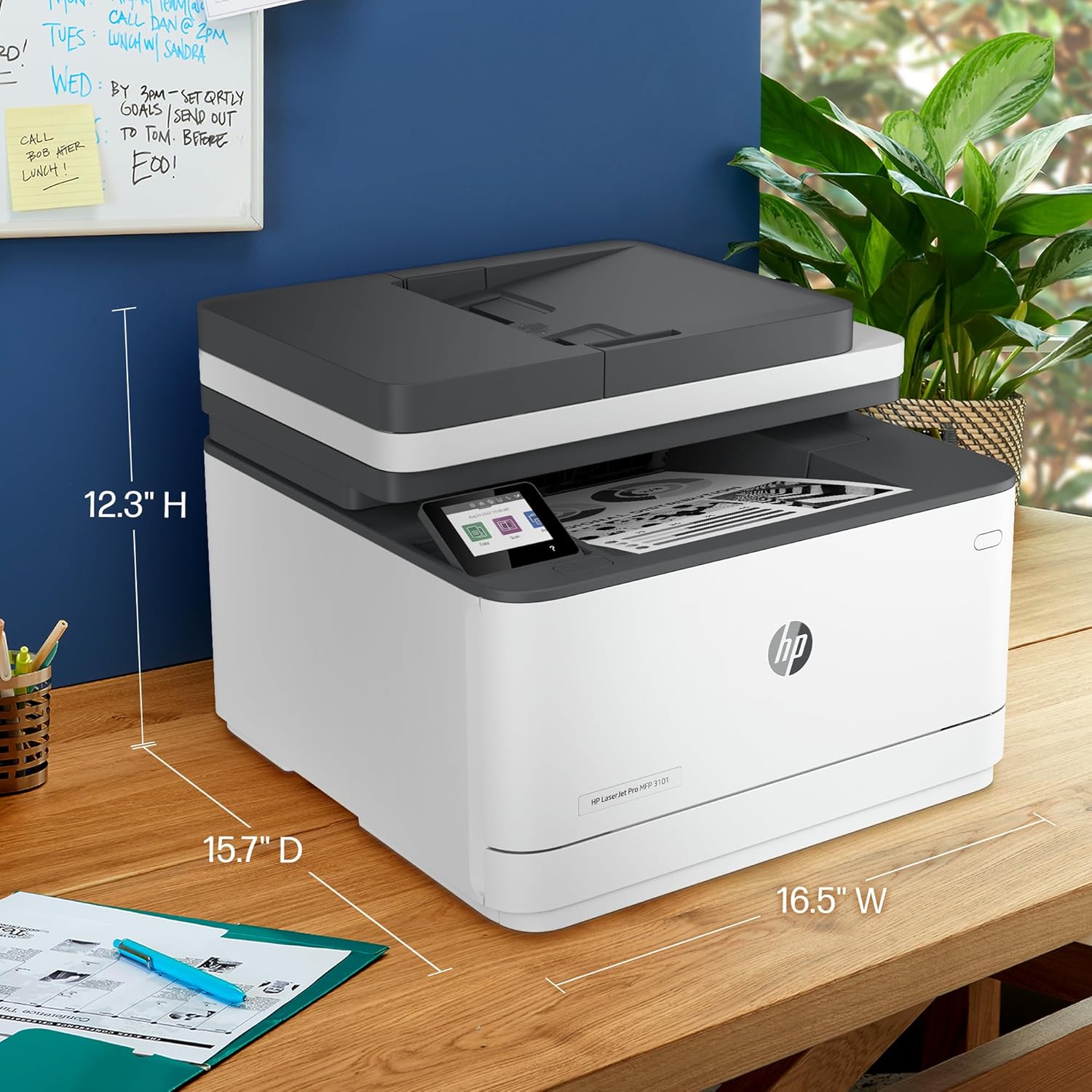

HP LaserJet Pro MFP 3103fdw Printer – 3G632A
Key Features
Brand:HP
Functions: Print, copy, scan, fax
Print technology: Laser
Print speed black (ISO, A4): Up to 33 ppm
First page out black (A4, ready): As fast as 7.0 sec
Duplex printing: Automatic
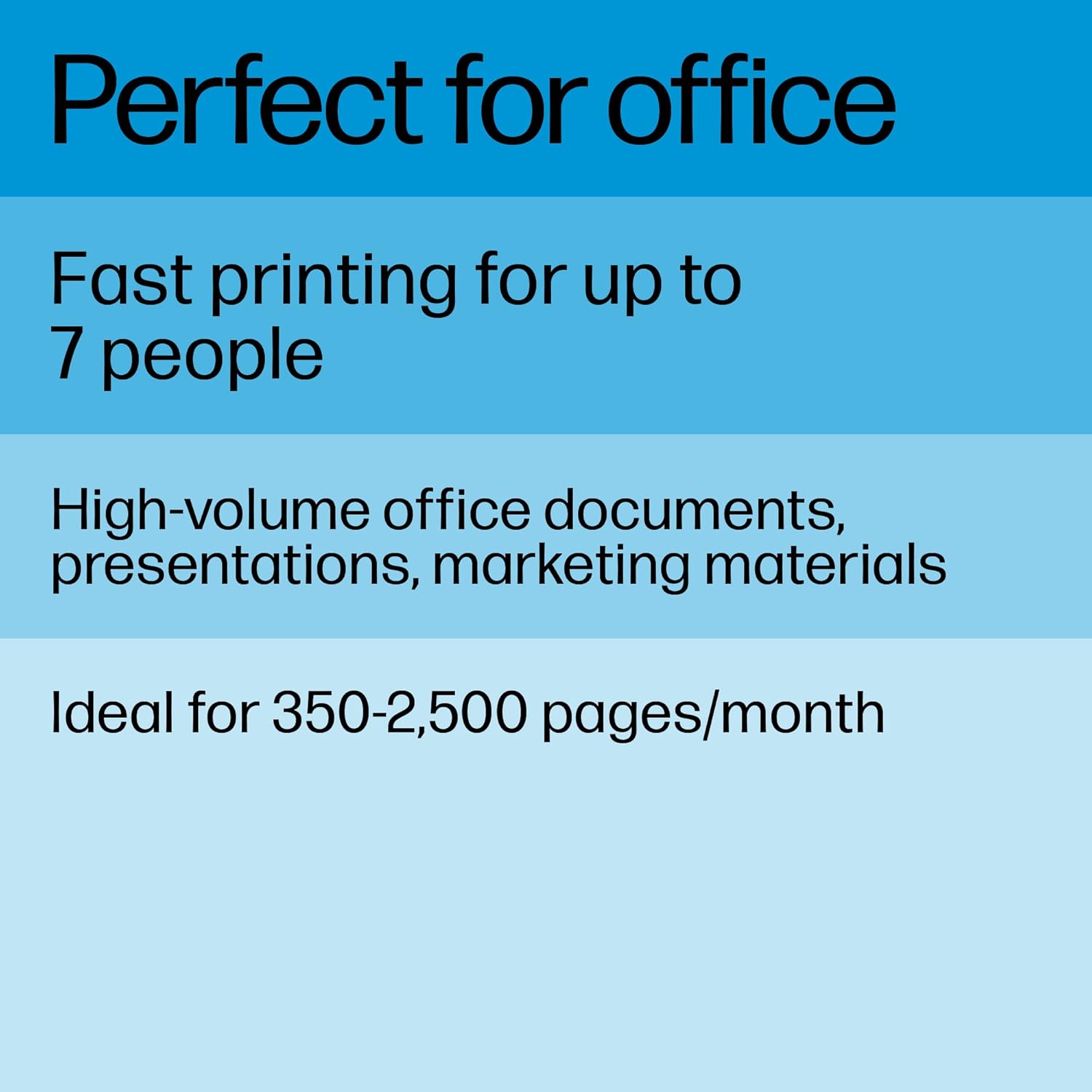
Recommended monthly page volume: 350 to 2500 pages
Print quality black (best): Up to 1200 x 1200 dpi
Connectivity, standard: 1 Hi-Speed USB 2.0 (device); Ethernet 10/100 BT; Wireless 802.11b/g/n, Dual band 2.4GHz/5GHz
Display: 2.7″ CGD; Touch Screen
Ultimate Guide to HP LaserJet Pro MFP 3103fdw Printer 3G632A
The HP LaserJet Pro MFP 3103fdw (3G632A) is a high-speed, multi-function monochrome laser printer engineered to optimize document management for small business teams and fast-paced home offices. Powered by advanced high-yield toner engineering, this compact multi-function device delivers crisp business text at blazing speeds while managing heavy duty cycles [W1450A]. It provides a comprehensive, low-maintenance hardware setup that consolidates printing, scanning, copying, and faxing into a single space-saving footprint [W1450A].
Key Features and Specifications
This commercial-grade office tool combines rapid engine performance with robust physical paper tracking.
-
- 4-in-1 Workspace Multi-Functionality: Handles high-resolution monochrome printing, rapid scanning, clear copying, and standalone business faxing [W1450A].
- Blazing Print Output Speeds: Fires out professional business documents at speeds up to 35 pages per minute.
- Automatic Two-Sided Printing: Executes rapid dual-sided printing natively to cut paper consumption and office operating overhead.
- 50-Sheet Automatic Document Feeder: Automates multi-page indexing tasks for hands-free copying, scanning, and fax routing.
- Massive 250-Sheet Paper Cassette: Houses a deep front-loading input tray to keep your paper stock completely free from ambient dust.
- Comprehensive Network Connectivity: Includes dual-band Wi-Fi with self-healing tools, high-speed Ethernet, and a front USB walk-up port.
- HP Smart App Support: Enables rapid network initialization, remote printing, secure cloud scanning, and real-time toner level diagnostics.
High-Speed Office Performance and Operational Savings
The MFP 3103fdw solves the problem of sluggish document turnarounds and constant paper jams during high-pressure work windows. Traditional multi-function copiers require long warm-up intervals before executing the first page out from energy-saving modes.
This model features a rapid fuser core that starts printing almost instantly from sleep mode. Text clarity is fully optimized through HP original precision monochrome toner chemistry, which bonds with paper fibers smoothly to deliver sharp text characters, rich dark contrasts, and deep grayscale borders that resist smudging or fading over long archival storage periods [W1450A].
Smart Infrastructure Security and Cloud Management
The system architecture integrates advanced defense-in-depth security layers alongside flexible wireless printing pathways.
-
- HP Wolf Pro Security: Employs pre-configured, hardware-based digital guardrails that constantly track boot scripts and prevent firmware intrusion attempts over your network.
- Dual-Band Self-Healing Wi-Fi: Tracks local wireless signal drops dynamically, switching frequency bands automatically to maintain a stable connection to your office computers.
Step-by-Step Initial Hardware Activation and Setup
Deploying your commercial multi-function laser system requires only a few moments using standard mobile or desktop tools.
Initial Physical Configuration
-
- Place the printer chassis on a stable, level desk that leaves ample clearance for the top automatic document feeder lid.
- Remove all bright orange structural shipping tapes from the exterior casings and internal toner cartridge access bay.
- Pull out the primary 250-sheet paper drawer, adjust the sliding plastic length guides, and load standard office paper.
- Connect the power cord to a standard wall socket and tap the physical power button located on the front control panel.
Software and Network Synchronization
-
- Download the official HP Smart software application onto your smartphone or office computer.
- Select the setup a new printer option inside the application dashboard to discover the hardware via Bluetooth or local tracking.
- Provide your office Wi-Fi name and password credentials using the printer intuitive color touchscreen console.
- Let the configuration wizard complete its automated alignment script, then launch a test print to confirm active network data parsing.
Frequently Asked Questions
Which specific replacement toner cartridge models are compatible with this model?
The printer is engineered to function exclusively with the HP 145 family of genuine monochrome cartridges [W1450A]. For standard everyday printing needs, you can use the standard HP 145A cartridge (yields roughly 1700 pages), or upgrade to the high-yield HP 145X cartridge (yields roughly 3800 pages) to minimize your long-term total cost per page [W1450A].
Can this multi-function printer scan both sides of a page automatically?
The 50-sheet automatic document feeder (ADF) handles rapid multi-page scanning efficiently. To digitize two-sided text archives, the software handles the double-sided flipping workflow step-by-step to automate your electronic file indexing without manual sheet-by-sheet positioning on the flatbed glass mirror.
What is the purpose of the front-facing walk-up USB port?
The front panel features a built-in high-speed USB flash drive port. This allows workers to insert a standard portable memory stick directly into the printer body to access, preview, and print document files natively via the touchscreen menu, or save incoming scans directly to the drive without initializing an office computer.
Does the printer support printing from mobile phones without downloading software apps?
Yes, the internal network firmware features native support for universal wireless communication protocols, including Apple AirPrint and Mopria Alliance standards. This allows users on iPads, iPhones, and Android smartphones to execute print jobs instantly using native system print buttons whenever they share the same Wi-Fi subnet




































Reviews
There are no reviews yet.