

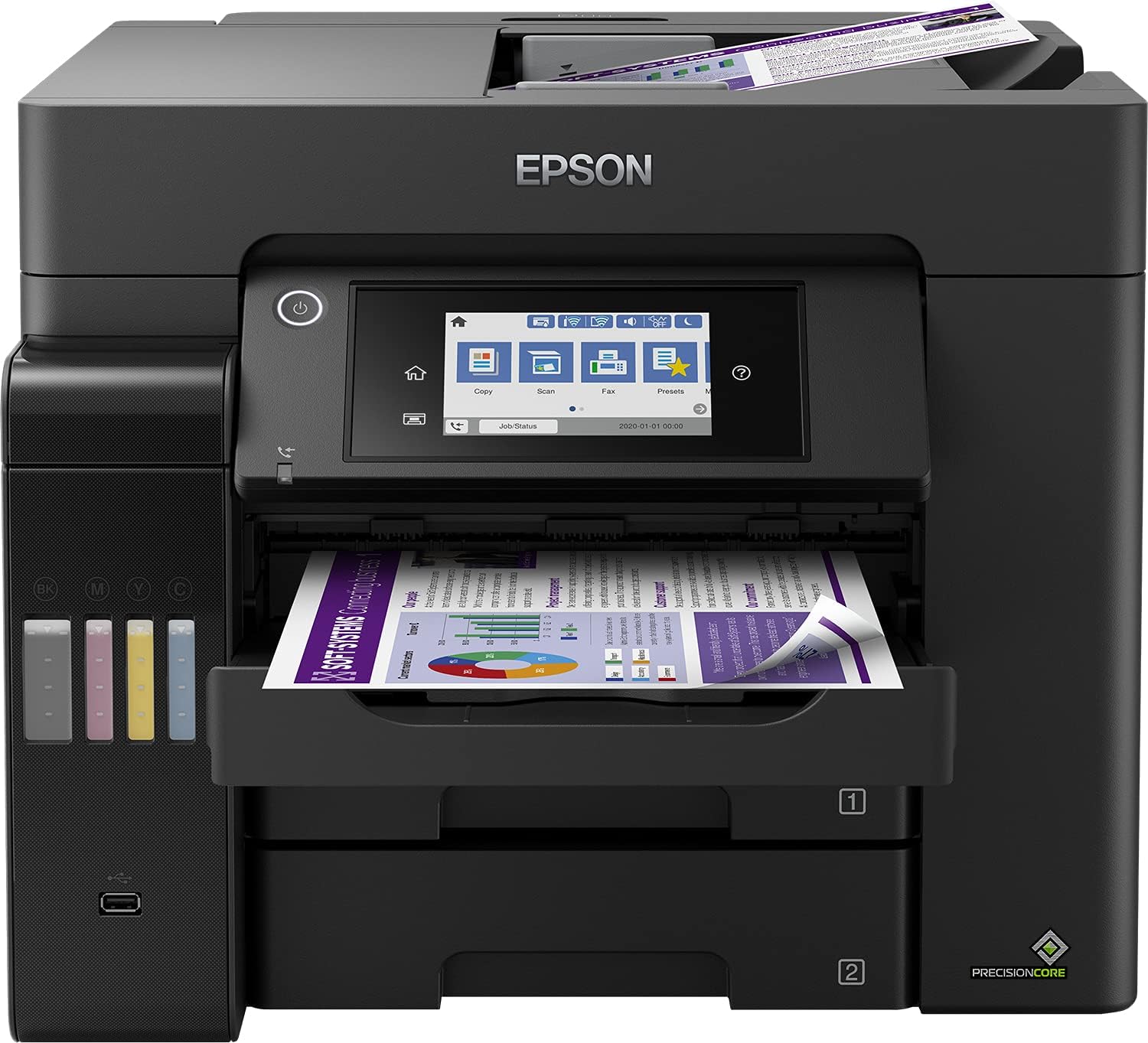
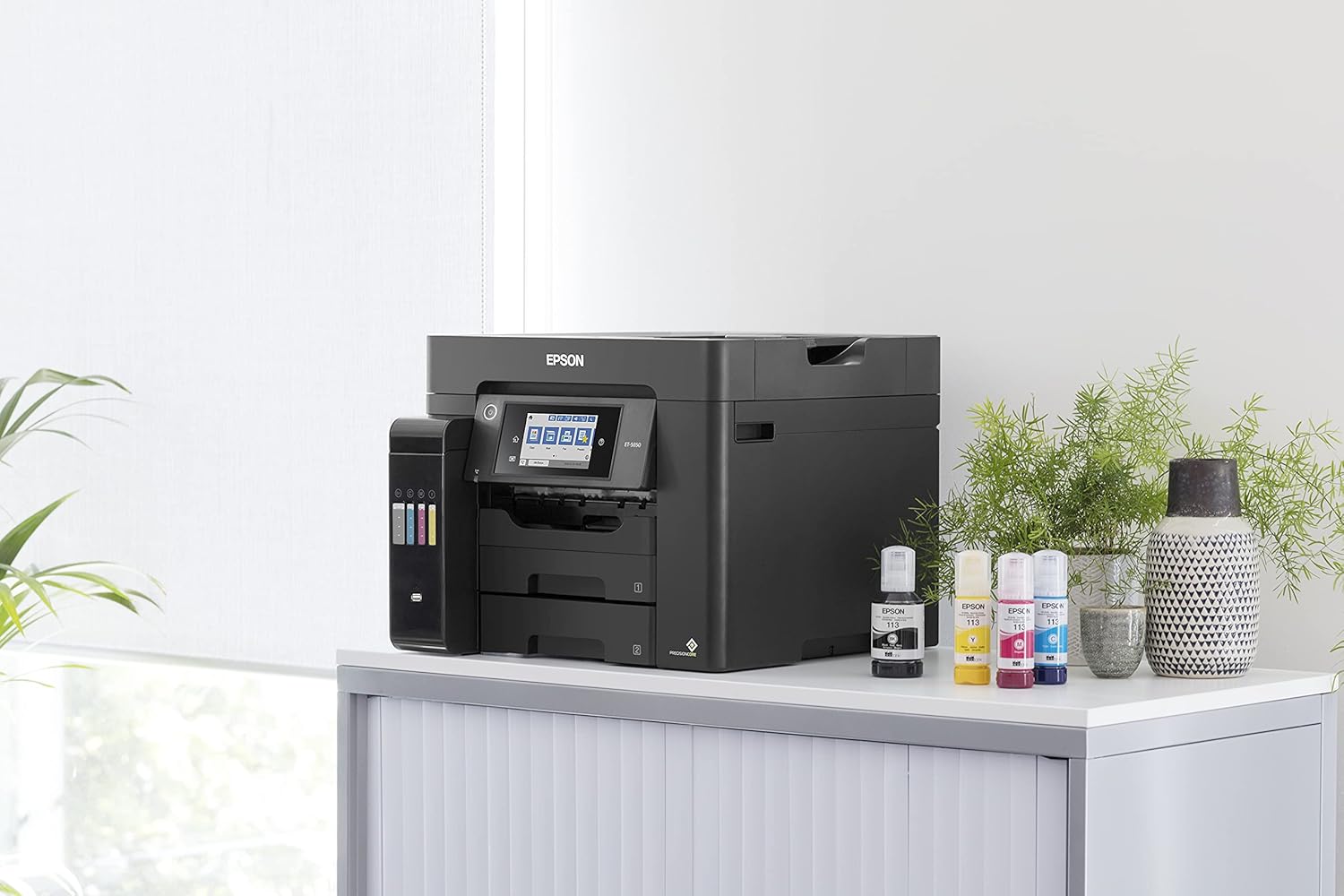
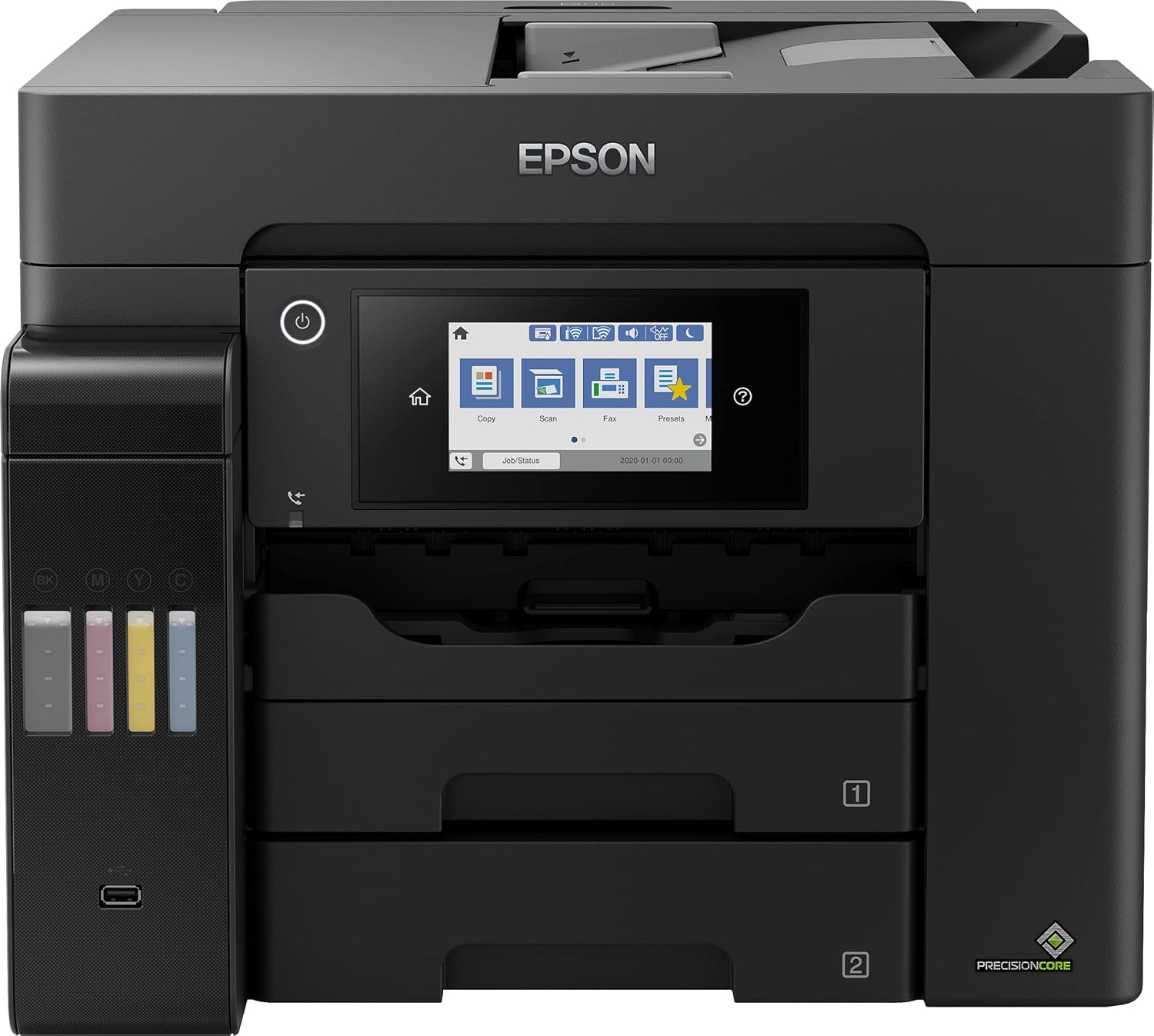
Epson EcoTank L6570 A4 Printer Ink tank-C11CJ29403SA
Key Features
Brand: Epson
Condition: Brand New
Printing Technology: Inkjet
Functions: Print, Scan, Copy
Print Resolution: Up to 4800 x 1200 dpi
Print Speed: Up to 25 ppm (black), 12 ppm (color)
Duplex Printing: Automatic
Paper Handling: 500-sheets (Both trays)
ADF Capacity: 50 sheets
Ultimate Guide to Epson EcoTank L6570 A4 Wi-Fi Ink Tank Printer
The Epson EcoTank L6570 (C11CJ29403SA) is a heavy-duty, multi-function monochrome and color printer engineered to meet the high-volume print demands of small to medium-sized businesses. Moving away from traditional standard cartridges, this specialized business printer features high-capacity, front-facing integrated ink reservoirs that drastically slash the cost of document management. It delivers sharp enterprise-grade documentation, rapid print speeds, and robust duplex capabilities.
Key Features and Specifications
This commercial-grade business tool combines an advanced pigment ink layout with extensive corporate network integration.
- 4-in-1 Multi-Functionality: Combines high-resolution color printing, scanning, copying, and faxing into a single physical footprint.
- Ultra-Low Cost Per Page: Saves up to 90 percent on ongoing office ink expenses by utilizing massive bulk ink reservoirs.
- PrecisionCore Heat-Free Technology: Uses advanced mechanical pressure instead of heat to deliver consistent high-speed printing with low energy usage.
- Rapid Print Speeds: Outputs business documents at speeds up to 25 pages per minute for both monochrome and color runs.
- Dual 250-Sheet Paper Trays: Houses up to 500 sheets of standard paper across two front trays, plus a 50-sheet rear manual feed.
- Automatic Document Feeder: Features a 50-sheet double-sided ADF for effortless hands-free copying and scanning.
- Pigment-Based Durabrite ET Inks: Uses quick-drying pigment inks across all colors to produce water-resistant and smudge-proof text.
- Full Network Connectivity: Includes built-in Wi-Fi, Wi-Fi Direct, high-speed Ethernet, and convenient mobile printing protocols.
High-Performance Business Engineering and Durability
The EcoTank L6570 solves the problem of high office print bills and constant cartridge maintenance by utilizing Epson PrecisionCore Heat-Free Technology. Traditional color laser printers require extensive power to warm up internal fuser mechanisms, resulting in slower first-page-out times and high utility bills.
This model requires no heat to eject ink drops, maintaining rapid performance from the moment you hit print. Text and graphics durability are completely managed via DURAbrite ET pigment inks. Unlike dye-based inks that smear when touched by highlighters or water drops, these specialized pigment particles lock into paper fibers instantly, delivering sharp, archival-quality documentation.
Seamless Document Workflows and Media Versatility
The hardware features an intelligent physical layout designed to streamline daily office productivity.
- Double-Sided Processing: Automatically prints, scans, copies, and faxes two-sided documents to cut paper consumption in half without manual intervention.
- Key-Lock Bottle Alignment: Utilizes color-coded, mechanically keyed bottle nozzles that fit only into their matching tank ports to prevent color contamination during refills.
- 10.9cm Touchscreen Console: Features a large, clear color touchscreen that allows users to navigate menus, adjust scan paths, and manage copy workflows without touching a computer.
Step-by-Step Initial Configuration and Network Link
Setting up your commercial multi-function workstation takes only a short time using guided software utilities.
Initial Ink Filling and Calibration
- Place the printer on a stable, level workspace and plug the power cord into a standard wall outlet.
- Open the main front ink tank cover and lift the plastic cap of the specific ink chamber you want to fill.
- Invert the matching genuine Epson 112 ink bottle and rest it vertically over the open tank port.
- Let the ink drain automatically into the reservoir until the fluid reaches the maximum fill line guide indicator.
- Close the tank caps, turn on the unit, and follow the on-screen prompts to initiate the one-time, 15-minute printhead charging cycle.
Connecting to the Corporate Network
- Connect a standard network cable from your office router to the rear Ethernet port, or toggle the wireless settings on the touchscreen interface.
- Select your local Wi-Fi name and input your security password using the digital keyboard console.
- Download the Advanced Epson Printer Driver bundle from the official support platform onto your office computers.
- Run the setup installation software to auto-discover the printer on the local subnet and assign user access permissions.
Frequently Asked Questions
Which specific ink bottles are compatible with the Epson L6570?
The printer is engineered to function exclusively with the Epson 112 series pigment ink bottle line. This premium series includes individual Black, Cyan, Magenta, and Yellow high-yield bottles designed for sharp text output.
How many pages can I print before needing to buy replacement ink?
A single full set of replacement Epson 112 ink bottles delivers an exceptional yield capacity, printing up to 7500 crisp monochrome pages and 6000 rich color documents based on standard business testing metrics.
Can the automatic document feeder scan both sides of a page at once?
Yes, the 50-sheet ADF features single-pass duplex scanning capabilities. It houses dual internal scanning sensors that read both the front and back of a sheet of paper simultaneously, doubling your overall electronic document indexing speeds.
Is the maintenance box user-replaceable on this specific model?
Yes, the printer features an easily accessible, user-replaceable ink maintenance box. When the system control panel alerts your team that the waste pad module is full, you can swap it out in seconds without needing to schedule a technical service call.




































Reviews
There are no reviews yet.