

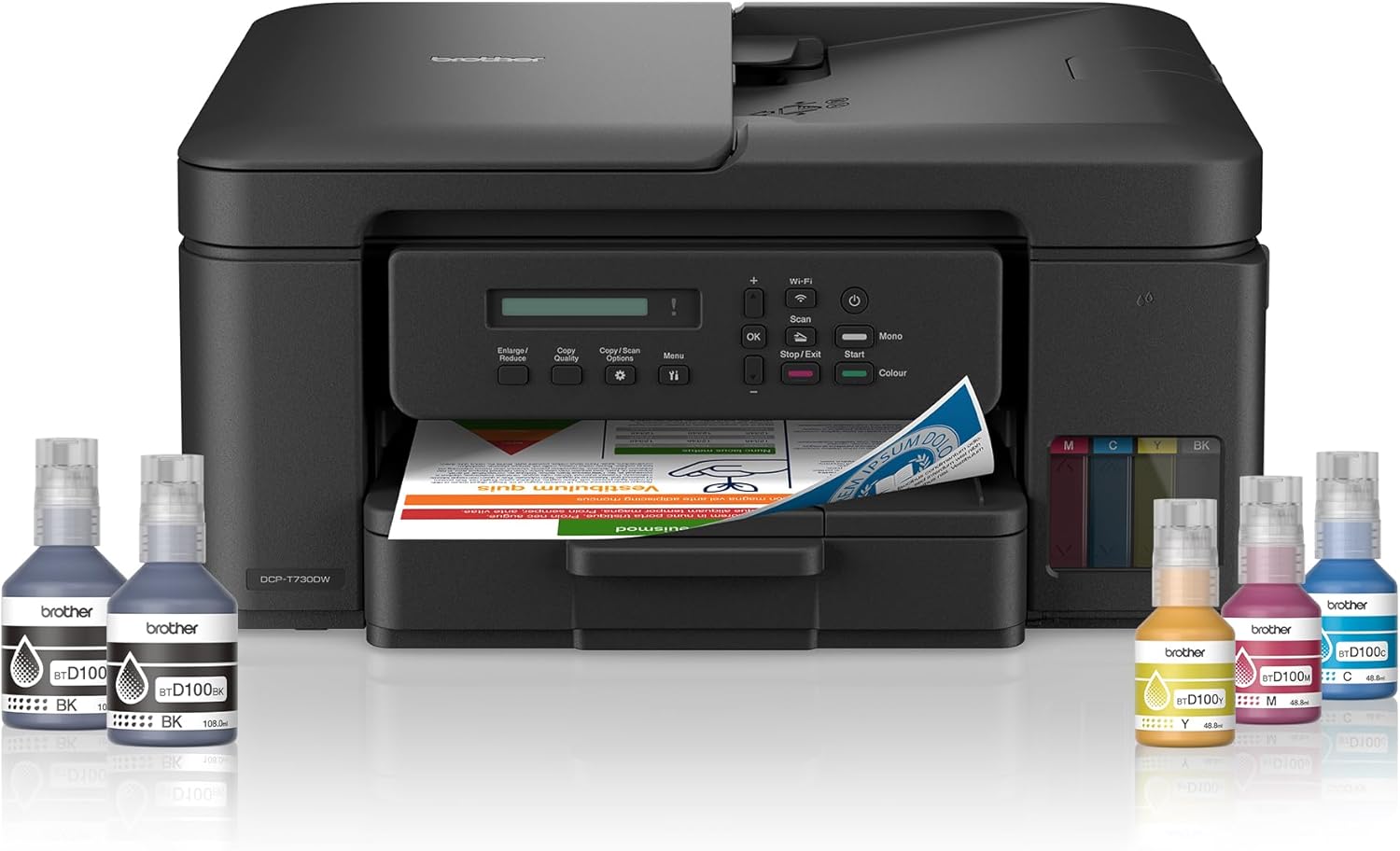
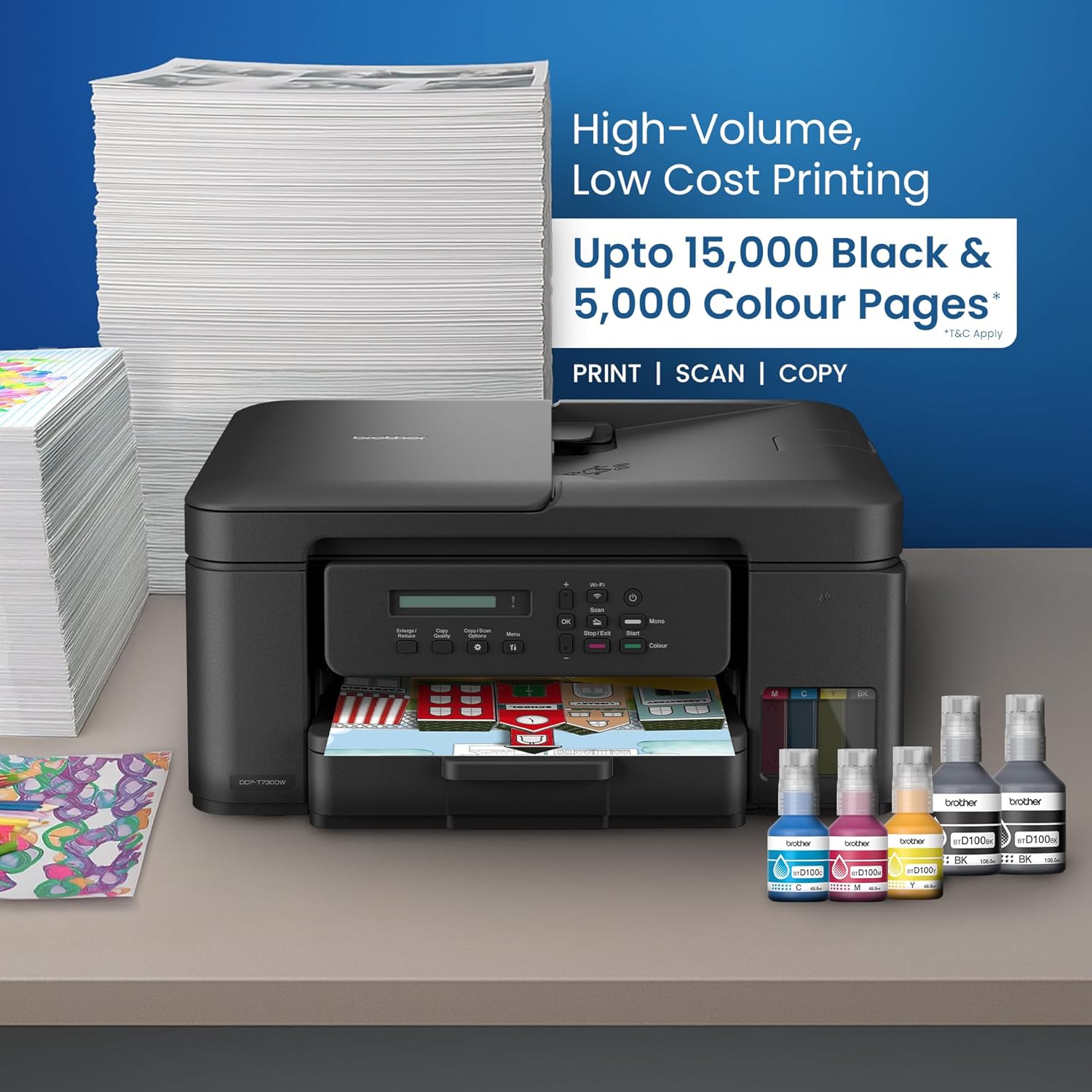

Brother DCP-T730DW Ink Tank Printer
Key Features
Brand:Brother
3 in 1 (Print, Copy, Scan)
A4 print speed up to 16 ipm (Black)/ 15.5 ipm (Colour)
WiFi, Airprint, Mopria, Wireless Direct, USB 2.0
Auto 2-sided (Duplex) printing, 20 sheets Auto-Document Feeder (ADF), 1-line LCD
Full ink bottles included. Yield up to 7500/5000 pages (black/colour)*
Compatible with Mobile Connect App
Brother DCP T730DW Ink Tank Printer Review and Guide
The Brother DCP T730DW is a high speed wireless all in one ink tank printer engineered for heavy home and small office workloads. This multi function machine offers print, copy, and scan utilities alongside automatic double sided printing capabilities. This comprehensive guide covers its premium features, technical specs, and network deployment configuration.
Key Features of the DCP T730DW
- Refill Tank System: Front access transparent ink tanks enable quick monitoring and spill free replenishment.
- Automatic Document Feeder: Built in twenty sheet ADF allows hands free multi page scanning and copying.
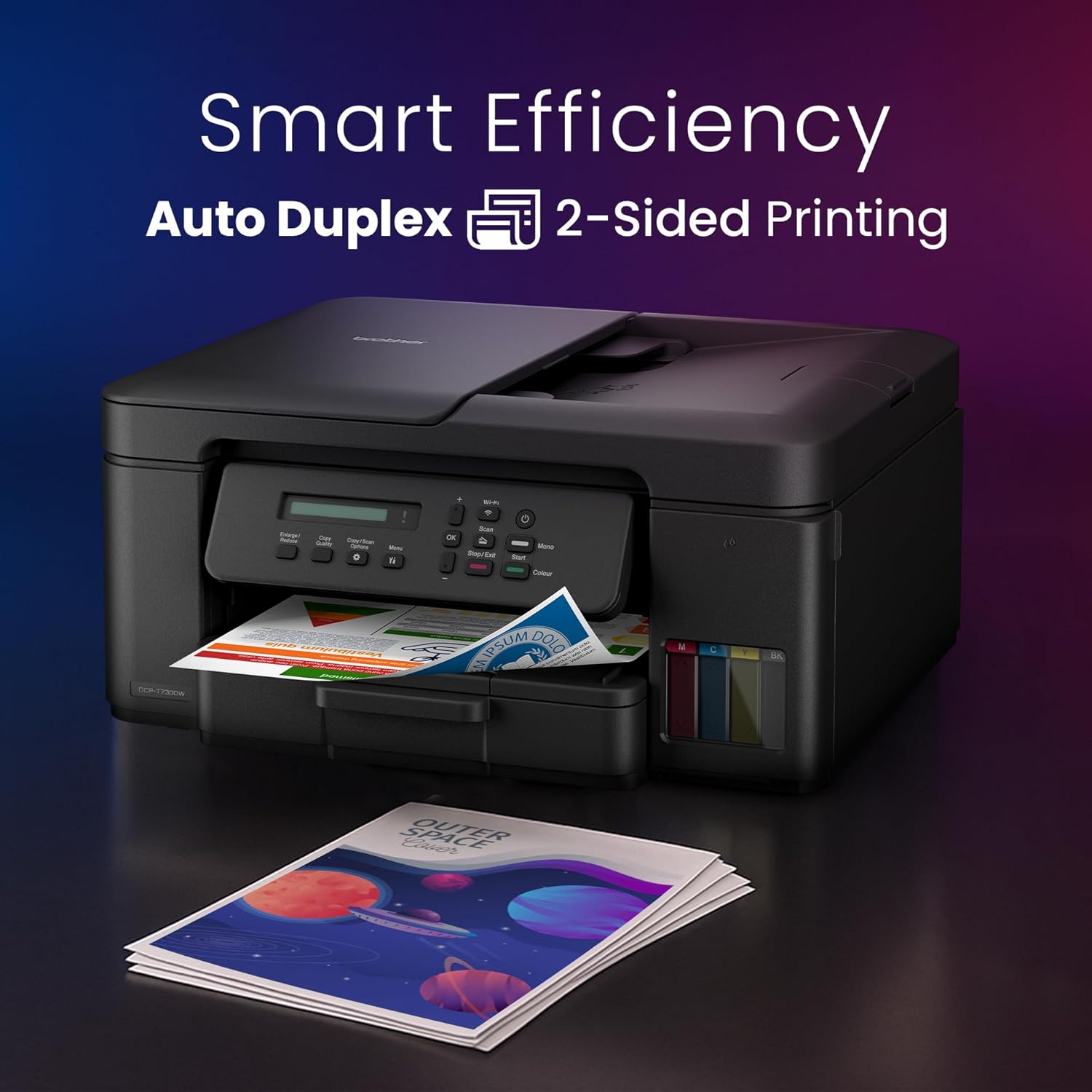
- Duplex Printing Capabilities: Automatic double sided printing cuts paper usage and office costs by half.
- Flexible Connectivity Options: Features high speed USB, wireless networking, and mobile direct printing links.
- High Operational Speeds: Delivers print speeds up to sixteen images per minute for black documents.
- Smart Mobile Printing: Connects effortlessly with Brother Mobile Connect, AirPrint, and Mopria print services.
- Enclosed Paper Tray: Bottom loading one hundred fifty sheet paper drawer protects media from dust.
- Single Sheet Manual Feed: Rear manual bypass slot handles heavier cardstocks and specialized envelope media.
- Durable Print Head: Industrial grade piezo print engine ensures crisp text lines and vivid color graphics.
- Cost Saving Page Yield: Inexpensive bulk ink bottles yield thousands of pages to drop operating costs.
Specifications and Performance
Print and Scan Metrics
- Print Resolution: High precision output up to 1200 by 6000 dots per inch for premium photography
- Duplex Print Speed: Up to six and a half images per minute on plain paper stocks
- Scan Resolution: Optical flatbed scanner sensor resolving up to 1200 by 2400 dots per inch
Hardware and Connectivity
- Control Display: One line LCD screen with navigation keys for direct standalone machine management
- Memory Capacity: One hundred twenty eight megabytes of internal memory to process heavy print queues
- Ink Compatibility: Uses genuine Brother BTD60BK black ink and BT5000 cyan, magenta, and yellow ink bottles
Step by Step Installation and Setup
1. Unboxing and Stripping Tape
Carefully remove the printer from its shipping carton and pull away all protective plastic covers and internal orange transport blocks. Place the device on a level work surface near an outlet.
2. Filling the Ink Reservoirs
Open the front ink tank cover on the right side of the machine. Remove the cap of the black ink tank slot. Open the black ink bottle, insert the nozzle into the tank opening, and let the liquid drain completely. Repeat this process for the cyan, magenta, and yellow tanks.
3. Power Initialization and Charging
Plug the power cable directly into a wall outlet and press the power button. The machine will prompt you to set the date and time on the LCD screen. Once confirmed, the printer begins an initial ink priming cycle that lasts a few minutes.
4. Loading the Main Paper Drawer
Pull the bottom paper tray completely out of the printer. Slide the plastic paper width and length guides outward. Insert up to one hundred fifty sheets of plain A4 paper, adjust the guides snugly against the stack, and slide the tray back inside.
5. Wireless Network Integration
Press the WiFi button on the control panel to open the network wizard. Select your local wireless network name using the navigation keys and enter your security password. Download the full driver package from the Brother support site onto your computer to finish linking the devices.
Frequently Asked Questions
Does the Brother DCP T730DW support auto duplex scanning?
No this model features automatic duplex printing but the automatic document feeder only scans single sided pages.
How do I connect my smartphone directly without a router?
Enable the Wi Fi Direct feature in the network menu settings of the printer control panel to create a secure local wireless link for your phone.
What should I do if printouts show horizontal white lines?
Access the maintenance menu on the printer LCD panel, select the ink indicator check option, and run a print head cleaning cycle to clear blocked nozzles.
Can this printer function if the black ink runs out?
No the printer requires minimum ink levels across all four color tanks to maintain internal print head health and prevent permanent heat damage.
What type of paper can I feed through the rear bypass slot?
The rear manual feed slot accepts single sheets of glossy photo paper, thick cardstock, envelopes, or custom labels up to three hundred grams per square meter.




































Wycliff Mwiti –
I like this printer
STEVE –
reach us on 0791058738