
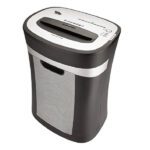

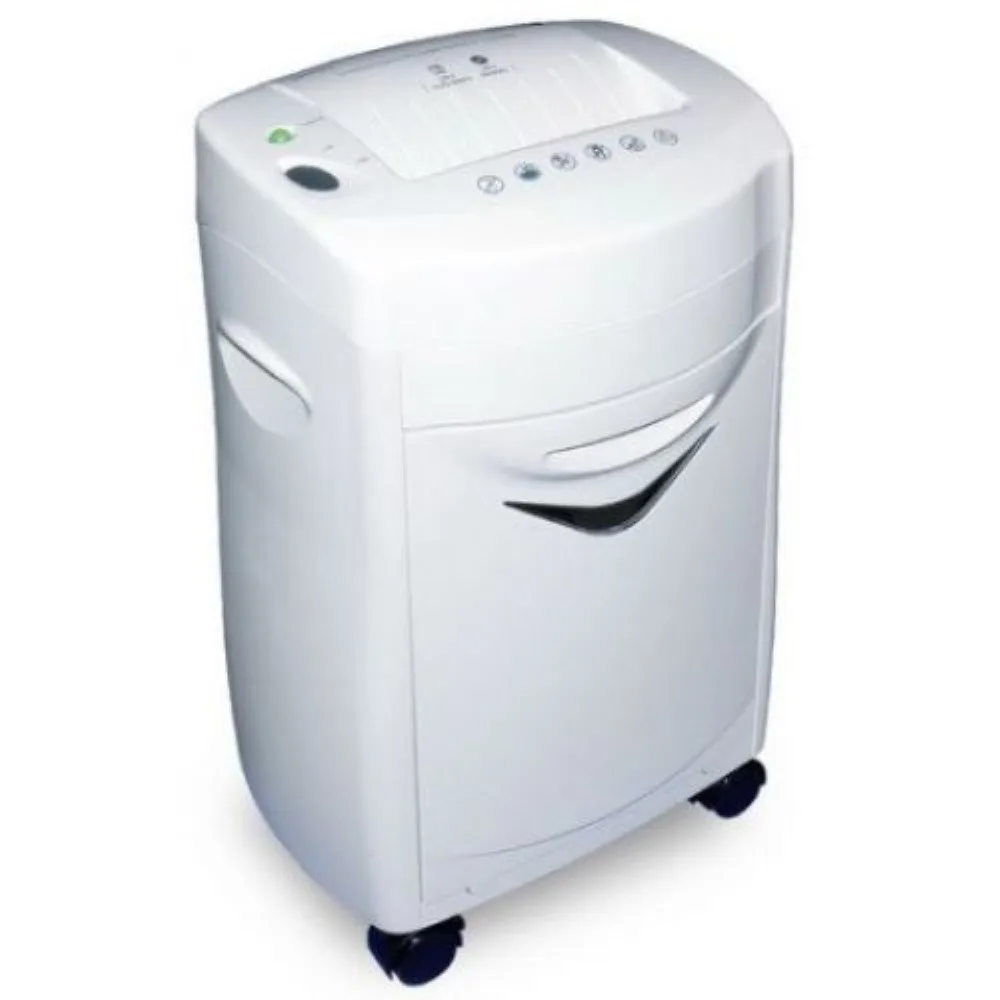
Atlas CC1540 Cross Cut Shredder
Key Features
Brand Atlas
Shreds up to 15 sheets.
Shred size: 4 x 25mm
Also shreds Credit Cards & CDs/DVDs
Shred width opening: 220mm (A4)
Bin size: 25.4 litre
Security level: 4.
Model: CC1540
Brand: Atlas
Ref: AS-S2-CC1540
1 Year Warranty
Atlas CC1540 Cross Cut Shredder Review and Complete Guide
The Atlas CC1540 Cross Cut Shredder is a heavy duty office machine engineered for high level document security and destruction. This high capacity shredder cuts sensitive paperwork into unreadable cross cut particles to protect personal and business data. This guide covers its core functional features, technical specifications, and safe operational workflows.
Key Features of the Atlas CC1540
- High Sheet Capacity: Destroys up to fifteen sheets of standard seventy gram paper in a single pass.
- Secure Cross Cut Shredding: Tears documents into tiny four by thirty nine millimeter pieces for reliable identity theft protection.
- Credit Card and Staple Destruction: Heavy duty steel cutters easily slice through credit cards, staples, and small paperclips.
- Spacious Waste Bin: Features a large twenty five liter pull out waste basket for clean and easy disposal.
- Continuous Run Time: Robust motor design allows extended shredding cycles before requiring a cooling phase.
- Automatic Start Stop Function: Electronic sensor detects paper insertion to initiate the shredding cycle automatically.
- Manual Reverse Mode: Overrides the automatic system to back out overloaded paper and clear blockages.
- Thermal Overload Protection: Built in temperature sensors automatically shut down the motor to prevent overheating damage.
- Quiet Operation Design: Advanced engineering dampens motor noise to keep office work environments peaceful.
- Transparent Viewing Window: Front bin indicator window lets you monitor remaining space without opening the drawer.
Specifications and Performance
Shredding and Security Metrics
- Security Level: Complies with DIN P four security standards for handling confidential business documentation
- Shred Speed: Processes paper quickly at a rate of approximately two meters per minute
- Feed Opening Width: Wide two hundred twenty millimeter entry throat easily accommodates standard A4 and letter pages
Hardware and Construction
- Control Switch: Multi position sliding switch governing automatic operation, power down, and reverse functions
- Mobility Design: Integrated caster wheels allow smooth transport across different office desks and workstations
- Bin Type: Removable pull out drawer system that instantly cuts power when opened for user safety
Step by Step Operation and Setup
1. Unboxing and Placement
Carefully lift the shredder out of its box and remove all plastic packaging materials. Place the main shredder head securely onto the waste bin base. Position the machine on a flat level floor near a standard power outlet.
2. Initial Power Connection
Ensure the control switch is set to the off position. Plug the heavy duty power cable directly into a grounded wall outlet. Slide the main control switch over to the auto position to activate the electronic standby mode.
3. Document Destruction Workflow
Align a stack of up to fifteen sheets of paper and feed them straight into the center entry throat. The motor will start automatically and pull the sheets through the blades. The machine stops spinning once the last sheet clears the cutters.
4. Rigid Media Processing
To destroy credit cards or expired identification cards, insert a single card directly into the center of the feed slot. Hold the card firmly until the blades grip the plastic, then release it immediately.
5. Clearing Paper Jams
If the motor stalls due to inserting too many sheets, slide the switch to the reverse position. Gently pull the reversing paper stack upward to remove it from the throat. Trim down the stack thickness, slide the switch back to auto, and refeed fewer pages.
Frequently Asked Questions
How often do I need to oil the Atlas CC1540 blades?
To maintain peak cutting performance and extend motor life you should oil the blades with specialized shredder lubricant sheet or oil every time you empty the waste bin.
Can this shredder destroy thick cardboard or junk mail envelopes?
No you should avoid feeding thick cardboard, adhesive labels, or unopened junk mail into the slot because sticky adhesives and dense fibers will dull the steel blades.
What should I do if the shredder stops working suddenly?
Check if the overheat indicator light is glowing red. If the machine has exceeded its continuous run time, turn off the power and let the motor cool down for thirty minutes.
Does the machine stop automatically when the waste bin is completely full?
Yes the shredder features an integrated safety switch that halts all cutter movement when the pull out bin is full or slightly unaligned from the main chassis.
Can the Atlas CC1540 handle thick industrial staples?
The hardened steel cutters easily handle standard office staples and small paperclips but you must remove heavy duty industrial staples or large binder clips to prevent blade chipping.




































Reviews
There are no reviews yet.