

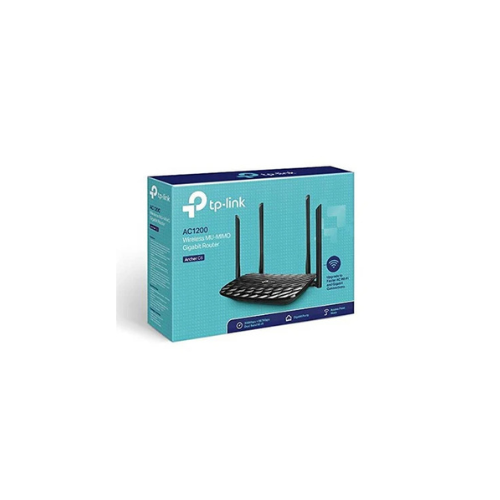
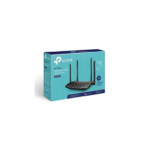
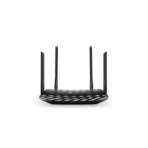
TP-Link Archer C6 AC1200 Gigabit Router Review: Affordable High-Speed Wi-Fi
Are you experiencing frustrating lag during online gaming, pixelated video streams, or slow file downloads at home? As more households stream high-definition content and connect smart home accessories, an outdated router can severely choke your internet speeds. The TP-Link Archer C6 AC1200 Wireless MU-MIMO Gigabit Router provides a powerful, budget-friendly upgrade to completely revitalize your network performance. This desktop router combines dual-band wireless speeds with full gigabit wired connectivity, making it an ideal choice for modern households that require smooth, uninterrupted internet across multiple devices.
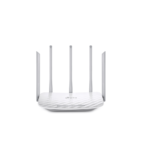
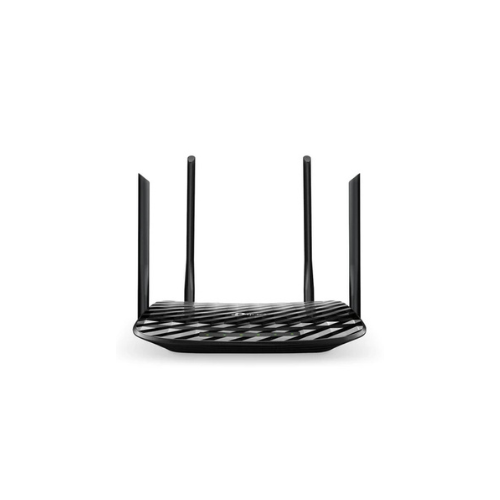
This high-performance router acts as an entertainment hub by splitting your digital traffic onto two independent wireless bands. By shifting high-bandwidth activities to a cleaner frequency, it prevents data traffic jams and minimizes lag. It features four external antennas and one internal antenna to cast a wide, reliable wireless blanket across your entire living space. Armed with advanced data management technology, the router talks to multiple devices at the exact same time rather than making them wait in line. This means you can stream a movie in the living room while someone else plays an intense online game in the bedroom without anyone experiencing a drop in connection quality.
Key Features of the TP-Link Archer C6
Review the core capabilities to see how this gigabit router optimizes your daily home networking experience.
-
- AC1200 Dual-Band Speeds: Delivers combined wireless speeds up to 1200Mbps, offering 867Mbps on the fast 5GHz band and 300Mbps on the 2.4GHz band.
- Full Gigabit Wired Connectivity: Features five physical gigabit ports that deliver data transfer speeds ten times faster than standard Ethernet connections.
- MU-MIMO Technology: Communicates with multiple devices simultaneously to double network efficiency and reduce overall wait times.
- Beamforming Signal Focus: Detects the physical location of your connected devices and concentrates wireless strength directly toward them.
- Access Point Mode: Supports a flexible built-in setting that easily converts your wired network into a wireless hotspot.
Technical Specifications
Check the technical details to confirm compatibility with your high-speed internet subscription.
-
- Wireless Standards: IEEE 802.11ac n a 5GHz, IEEE 802.11n g b 2.4GHz
- Frequency: 2.4 GHz and 5 GHz dual band
- Antennas: 4 Fixed external antennas and 1 internal antenna
- Ports: 1 Gigabit WAN Port, 4 Gigabit LAN Ports 10 100 1000Mbps
- Processor: High-performance CPU for efficient data routing
- Wireless Security: WPA, WPA2, WPA3 advanced encryption protection
How to Set Up Your TP-Link Archer C6 Router
Setting up your new home network takes only a few simple steps. You can complete the process using a computer or a smartphone.
Method 1: Using a Web Browser
- Connect your internet modem to the blue WAN port on the back of the router using an Ethernet cable.
- Turn on the router and connect your computer to one of the yellow LAN ports or connect via the default Wi-Fi printed on the bottom label.
- Open a web browser and type tplinkwifi.net or 192.168.0.1 in the address bar.
- Create a secure administrator password to log into the management page.
- Follow the Quick Setup wizard to select your internet connection type, customize your Wi-Fi names, and save your new passwords




































Reviews
There are no reviews yet.